Logging in
The default way to log in to the platform is by using a Username or email address and password.
Once you navigate to a login-required area on the platform, a form will appear allowing you to enter this information.
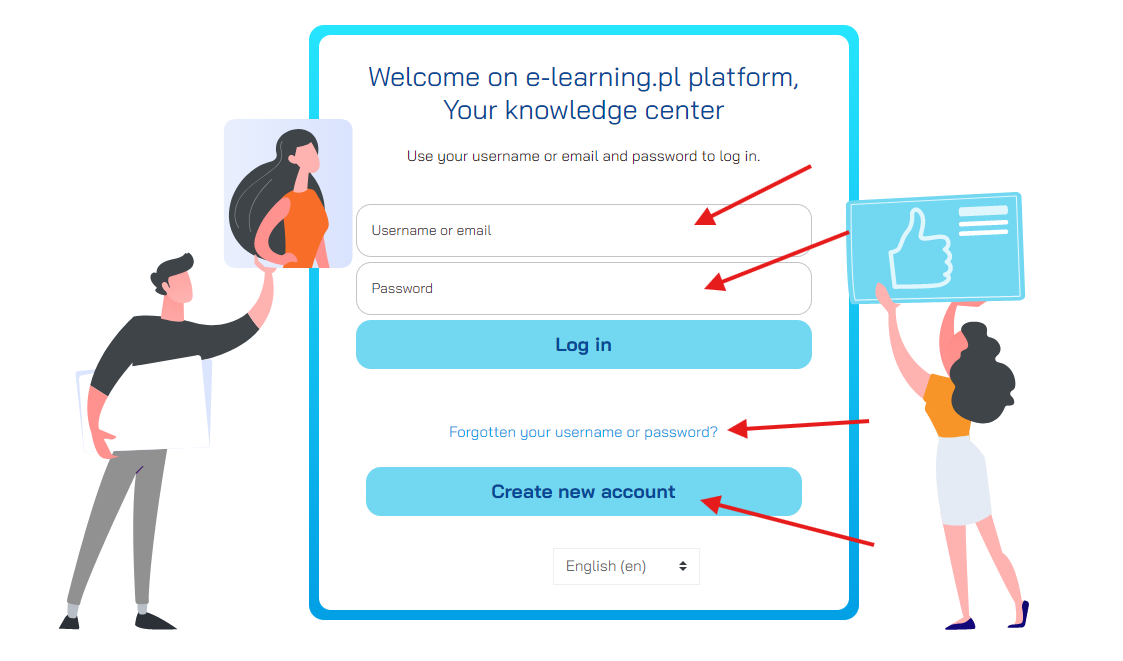
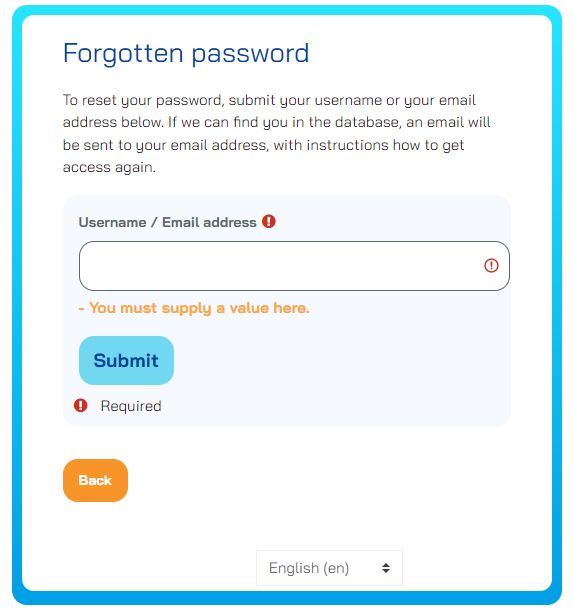
There is also a link available on this screen that allows you to reset your password. After clicking, a form will appear allowing you to reset your password.
You must provide your username or email address. If the system finds the correct account, you will receive a link via email to change your password.
If your platform offers the option to create a new account, a link to a form for creating a new account will also appear on the login screen. Accounts created manually may require approval from the platform coordinators.
Last modified: Friday, 13 December 2024, 8:37 AM